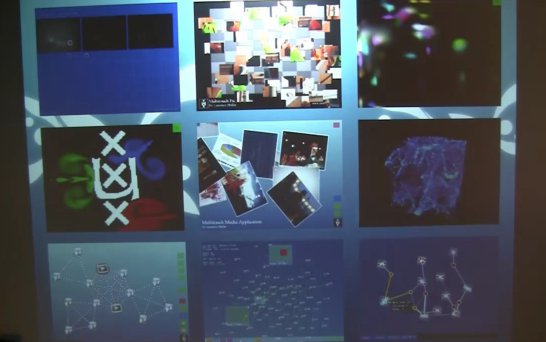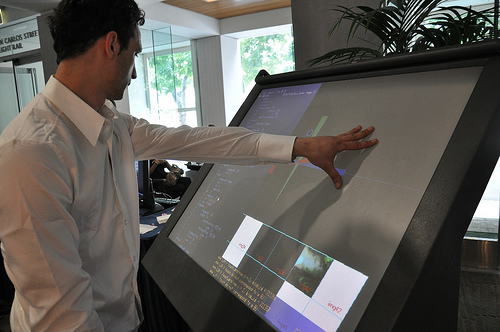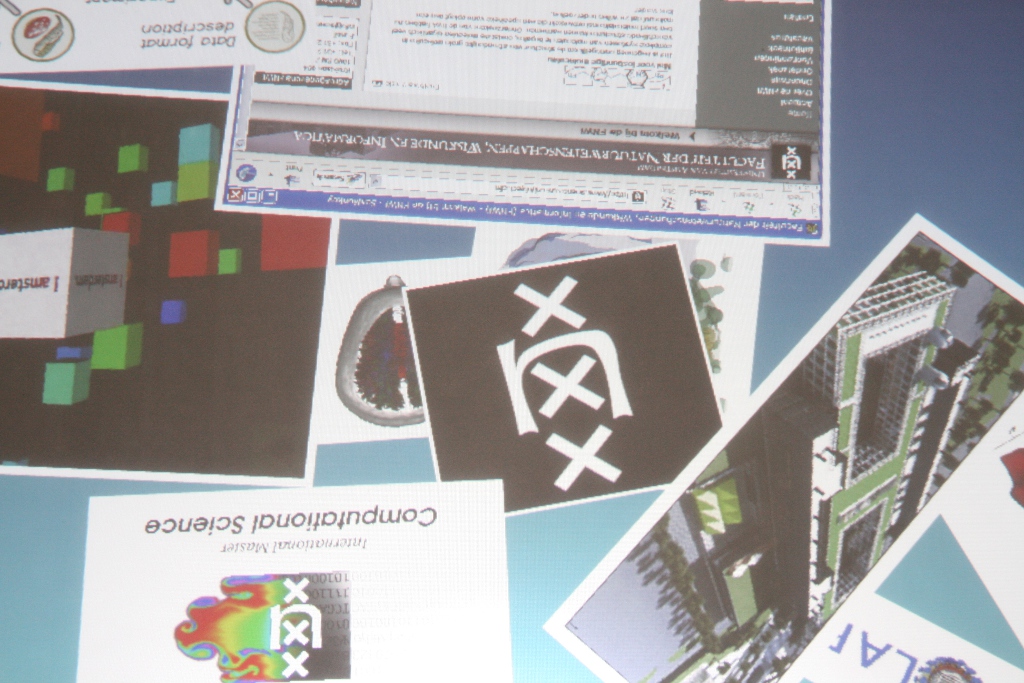
It now supports adding images on-fly. Just connect your digital camera by using your usb transfer cable (or if you have a memorycard reader that would be even better) and all your images will be downloaded to the multitouch desktop. Your camera should be using the DCIM standard).
Since the Pro version is using Adobe AIR it is no longer needed to perform a special trick to get the filelists of the videos and images. Please read the readme.txt for more information.
To run the application it is required to download the runtime enviroment, at this moment only versions for Windows and MacOS computers are available. A Linux version should be available next year.
Yesterday I looked into (ab)using google maps to use with the MMA.
Because I did not felt like implementing an entire tile engine myself I looked around on Google and found this actionscript project: Google Maps API opensource. However this looked kinda complex to me so I started to look for an alternative.
While chatting in #nuigroup, c.moore told me that he was trying to create something like that as well. He recommended too look into ModestMaps.
Unfortunately it was not just a matter of including a few class and adding it the to the stage. Besides adding google maps, controlling google maps would be a problem too. As you probably know it is possible to scale and rotate the desktop with 2 fingertips, but this is also true for the border of Google maps and it would also be true for the Google maps layer itself. This would mean 3 layers of scaling and rotating.
Instead of trying to implement a smooth browsing Google maps object, I created a new actionscript class called GoogleMapsSimple instead.
This class basically allows you to browse the tiles in the way as Google has cut them (at different zoom levels). There are not that many sites which explain how you can collect satellite or vector images from Google maps, however the few I could find were pretty useful ( sources: #1 / #2 / #3 )
When building an application based on the Google maps data you should consider building a caching service as well. While I was testing out my GoogleMapsSimple class I got banned from the server, because it looked like an automated system requesting the same tiles over and over again. To solve this problem I made a caching service in PHP. Instead of connecting my flash application to Google it would now request a tile from my own server. The caching service would then check if it has a local copy available, if it has one it sends the local copy, otherwise it would randomly select one of the four Google maps servers and request the tile.
Below you find two images of the GoogleMapsSimple objects. The interaction modes on these objects are pretty primitive. The corners allow you to zoom in according the way Google has cut the tiles. The center button allows you to zoom out and the other buttons allow you to move north, south, east and west.
Any release?
Uhm no, because the caching service sometimes fails in acquiring the tile (even after a few retries) I am not releasing the new MMA yet. But don’t worry it will be here soon enough …
Last weekend I code a keyboard in actionscript and added it to the Multitouch Media Application. At this moment you will only be able to type text into the yellow square. Due some bug in touchlib/TUIO the shift button won’t be released when you release the shift button physically. Use the shift_up button to ‘release’.
- Have fun with thisone!
*update 18-09-2007*
Yesterdays release had some bugs on rotation (only the onscreenkeyboard and the notepad), v2a solves this issue. v2a now allows to rotate and scale the entire surface aswell. Usage: get v2 and put the v2a version in the same directory. You might want to edit the *.bat files to the filenames of v2a.
Since the start of my project, I wanted to do a multi-touch media application which could be used for organizing photos and videos. I started my first attempts with using the languages C++ and OpenGL. However this was more difficult and more time consuming than I hoped for.
Fortunately Whitenoise already had created a basic photo organizer in Flash. The only problem was that it was using images from the popular photo site Flickr. Because I prefer to keep the content local (so I can moderate the content being displayed), I first modified the actionscript files of the FlickPhoto application to read local data.
Surprisingly it was not difficult to extend the project and I implemented a few extra classes to get the videoplayer working. A few examples images can be found below. Because this application is running in Flash you should use osc.exe and the FLOsc proxy. Of course you can use your own images and video with this application. However video files need to be converted to FLV. Please consult the readme.txt of the zip file package for more information.
Not much new, just some minor bug fixes, improvements and compatibility fixes for the latest touchlib (rev. 61).
Download:
I’ve included a Windows binary and the source code of touch tracer for Linux users.By using the included Makefile you should be able to get it up running in no time.
Last week Microsoft presented their implementation of a multi-touch screen. They decided to create it in the shape of a coffee table.
Examples of applications can be found in the following video:
More movies are available on the official page of MS Surface.
Interesting part of this technology is the way of illuminating the screen and capturing fingertips or objects. Instead of doing it with FTIR technology MS approach uses 4 IR camera’s, a IR illuminator, a diffuser and obviously a projector. Inside the table the IR illuminator will shine on the diffuser and screen. When touching occurs or when objects are placed on the table, the IR light will reflect into one of the 4 camera’s. Using software processing techniques the table is now able to process multi-touch input.
After seeing the video’s of Microsoft I and some people of the Scientific Visualization and Virtual Reality group figured that we could try it out on our current FTIR setup.
By disabling the IR LED’s on the sides of the screen and illuminating the screen with an external IR illuminator we managed to get it working. However the results where a bit disappointing, the contrast was not high enough.
Today I had a small chat with David Wallin, the author of touchlib. I told him about the poor results I had with the current touchlib and setup, even with the version which he has used for what he calls diffused illumination.
Fortunately he had just submitted a new revision (40) to subversion, which contained improved filters. By fiddling a bit with the settings it was now possible to track blobs of the video capture from rear illumination.
Rear illumination experiment:
An image of the used the filters:
The image shows the following windows: 1. Capture1
This is the video input window (in this case recorded video input).
2. Mono2
The first filter turns the source image into a greyscale image.
3. Background4
This filter substracts the background from the current scene. Now only the interesting parts (fingertips) should be visible.
4. Scaler1
This filter will amplify the output of Background4 a bit.
5. Highpass
Only bright spots will be given to its output channel.
6. Scaler2
Again, amplify the output of the previous filter.
7. Rectify6
True black and white, as preperation for blob detection in touchlib core.
Another interesting feature will be fiducial detection which will be added (soon) to the touchlib library. This would make it possible to either use markers to manipulate your desktop or even objects/devices.
* update (11-06-2007) *
Two examples objects (a cellular phone and a coffee cup) placed on the surface while using rear illumination:
If you take a look at multitouch videos on Youtube, most of them are related to photo manipulation.These demo movies show the possibility of scaling, rotating and translating multiple photos at the same time.
A few days ago I created a small demo application called tDesk. tDesk is an experimental tool running on Windows XP which enables users with an FTIR multitouch screen to move and resize (multiple) applications with their bare hands.
(1) This movie shows how to move and scale dialogs in windows:
(2) This movie shows how to move multiple dialogs in windows:
Hmm you probably noticed it already in the movie, I kinda screwed up at the end of the movie.
Since my panel is not mounted on a frame it can move if you press with too much pressure… and that’s happened at the end.
* About the video clip played in movie 2, it’s Jamiroquai with Virtual Insanity. You might notice his whole environment is moving as well …
Last week I managed to get touchlib compiled under Ubuntu Linux (thanks Xvarg). While bug fixing and updating my touch tracer source code, I also tried to compile it in Ubuntu. Since I am not a linux guru, getting the code compiled took quite some time (linking libs, changing cflags). After fixing a few compiler warnings and errors (g++ seems to be more strict) I managed to get touch tracer compiled.
It is nice to see that touch tracer is actually running smoother/faster in linux than in windows. Obviously my Intel Extreme Graphics 2 (aka Intel Extreme Crap) is not a high end videocard, but where Windows does 40-50 fps on average, Linux is able to boost it up with 10 fps extra.
In the video below you will notice a few glitches. These are not caused by touch tracer (really :D)!. My FTIR panel seems to ‘leak’ light on the edges. After creating some demo movies I noticed that not only my finger tips where reflecting the light. Also other parts seems to reflect (just enough) IR light to fool touchlib. It’s even possible to create blobs when you hover your hand near the edges. A possible solution is to extend the baffles just a bit.
Touch Tracer v0.2 example video
Changelist:
- Added tracelines
- Added funky blob colours
- Made the source linux compatible
- General code cleanup
Download:
I’ve included a windows binary and the source code of touch tracer for linux users.
By using the included Makefile you should be able to get it up running in notime.
After the last blog not much had to be done about the FTIR screen. Actually I only used some tape to hide the wires on the sides.
With all LED’s in place and the frame being placed on two chairs it was time to finally test the FTIR screen.
All LED’s are fully functioning !
Testing with 5 and 2 fingers…
10 finger test:
Video containing a summary of the project and some demo applications
In this final step of building the FTIR prototype I will cover the soldering of LEDs.
In my previous blog post I already calculated that 30 LED’s would be enough to cover the entire plate.
As power source for my LED’s I will be using a 12V DC Adapter (1000 mA).
To calculate the LED array and the amount of needed resistors I used an internet tool the LED Wizard.
According to the wizard I should create 5 array’s of LED’s. Each array should contain 6 LED’s and one resistor of 68 ohms.
Recent Comments