
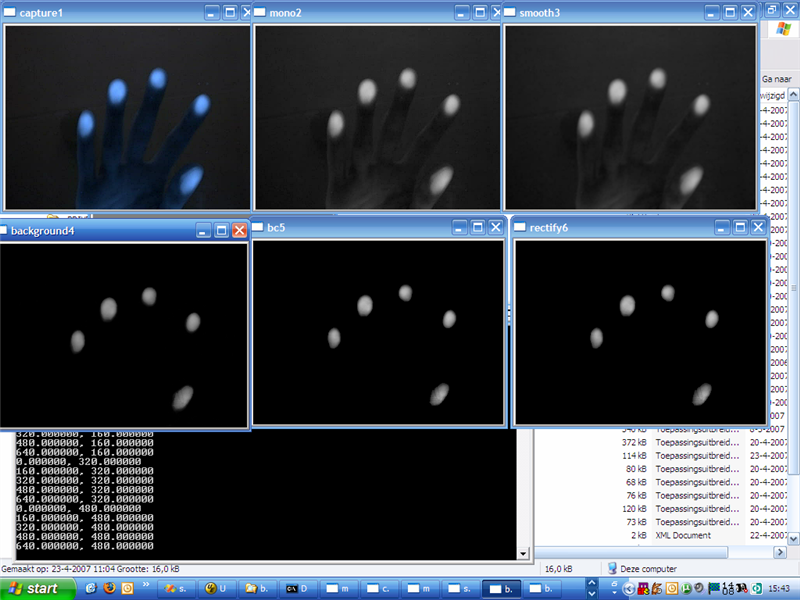
It works!
After the last blog not much had to be done about the FTIR screen. Actually I only used some tape to hide the wires on the sides.
With all LED’s in place and the frame being placed on two chairs it was time to finally test the FTIR screen.
All LED’s are fully functioning 😀 !
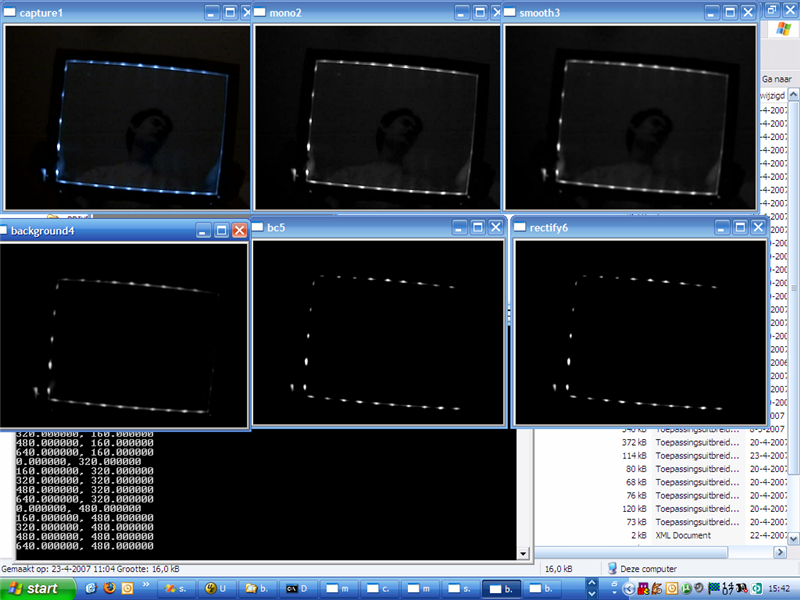
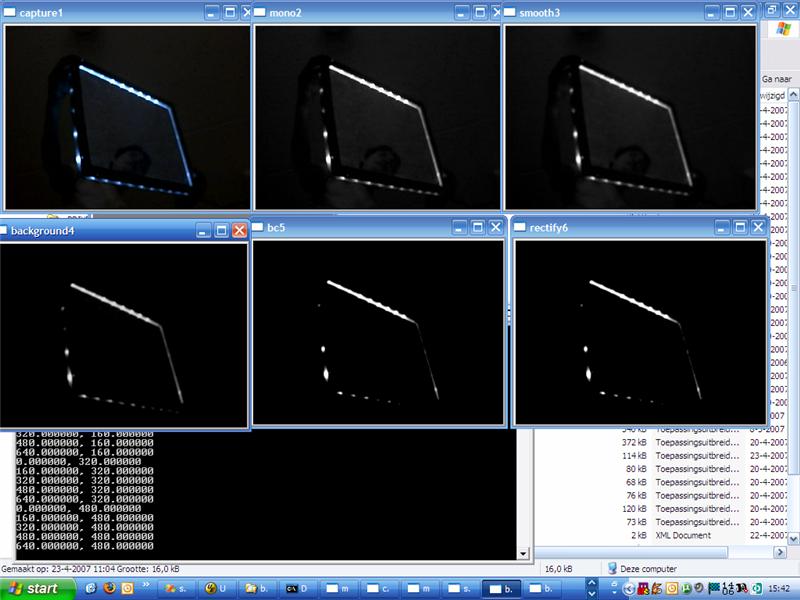
Testing with 5 and 2 fingers…
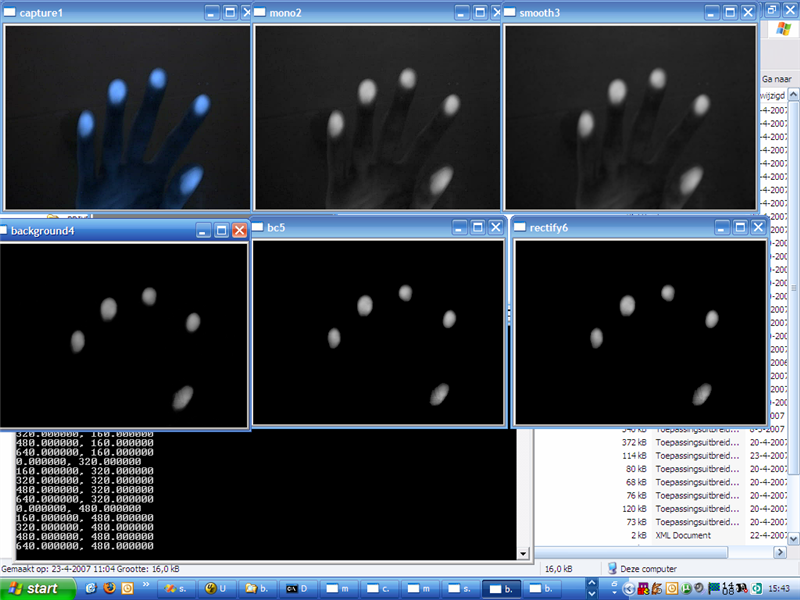
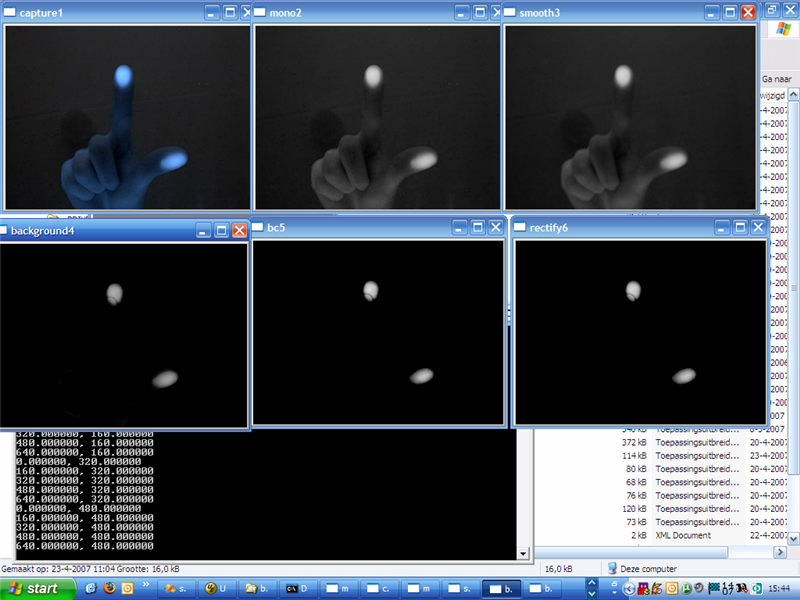
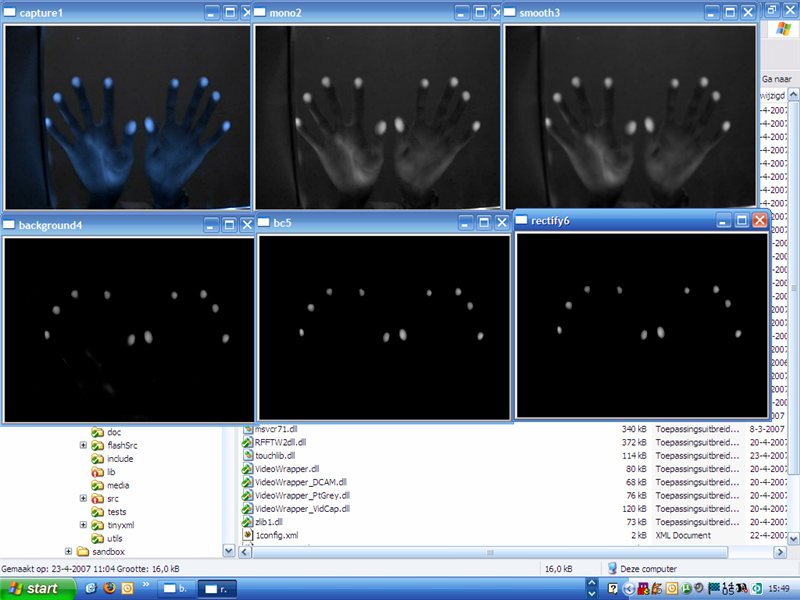
10 finger test:
Video containing a summary of the project and some demo applications
To get the Touch Tracer tool (from the demo video) please click on read more.
Project description:
Name: Touch Tracer
Purpose: To display recognized blob’s and for debugging purpose
Install instructions:
1. Put all files (touch_tracer.exe and *.bat files) in the same dir as touchlib.dll
2. Either run the bat files or edit them.
touch_tracer.exe requires 4 arguments: width height bitdepth refreshrate
example: touch_tracer.exe 1024 768 32 60
General note, as the readme.txt states, this application needs libraries of visual studio 2005. If you don’t have those, you will be prompt with an error message.
Todo:
1. Show the path of a tracked blob and let it fade away over time.
Download:
Touch Tracer v0.1 Binary
Optional downloads
Visual Studio 2005 SP1 Redist. Package (URL Offline)
Entire package if the one above fails -> Get it from microsoft


7 responses
The links for the “Optional downloads” are broken! Amazing work on this by the way!
@Mike: I’ve updated the URL, it will now redirect you to the microsoft site for the correct downloads. Please check out the download pages because it contains the latest versions of the software.
Hi… This is a very interesting project. I would like to know if it works with Visual Studio 2008. Thanks a lot and Congrats!..
It should work with visual studio 2008. A few months ago I added the vs2k8 project files (VC9 dir)
Hi! I love what you have done. Just a question. you dont use any compliant layer? what are the specs of the LEDs? How hard do you need to push to get some blobs? Do you think that this would work if i do it with a LCD matrix instead of an projector?
This version didnt use a compliant layer because at that time I did not know how to make one. I’m using IR leds (no brand), so I dont know the exact specs, but I recommend getting osrams. You dont really need to press hard if the FTIR is properly working. No clue about the LCD matrix, it depends on how translucent the device is.
how did you made the background dark? did you put a tracing paper on top of the acrylic surface?